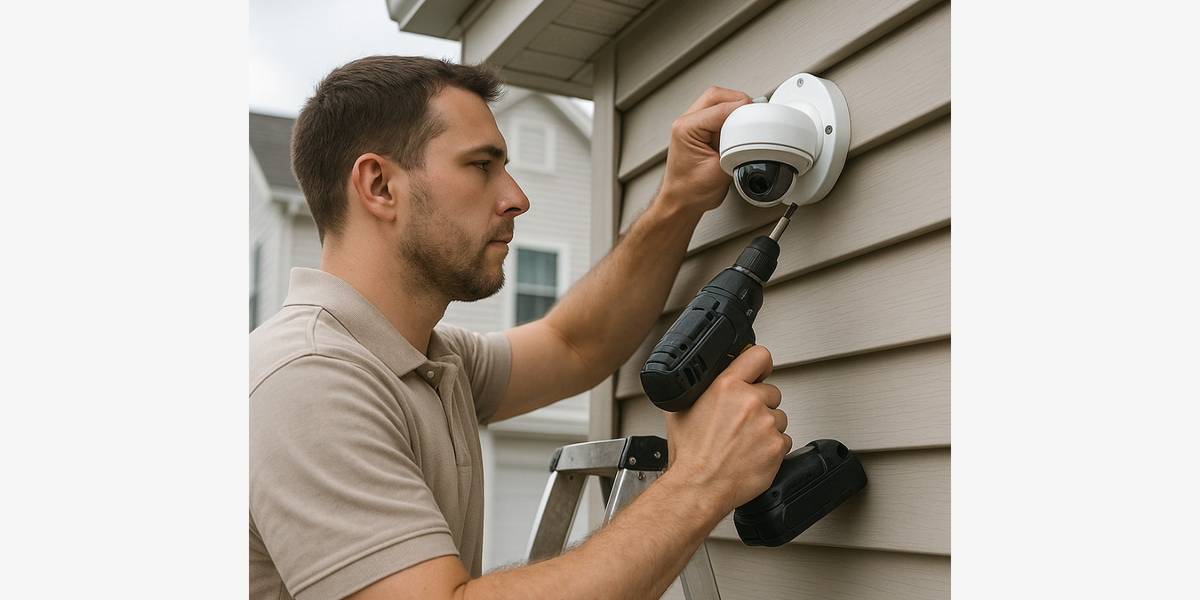
Home Security System Installation: What Homeowners Should Know Before Buying
Key Takeaways
- A home security system can help protect your family, property, and peace of mind.
- You can choose from cameras, alarms, sensors, smart locks, video doorbells, and optional monitoring based on your needs.
- Professional installation helps make sure every device is placed, connected, and set up correctly.
A home security system can offer peace of mind by helping you keep an eye on your home, family, and property. Cameras, alarms, sensors, smart locks, and video doorbells can alert you to activity around your house, whether you are at home, at work, or out of town. Some insurance providers may also offer discounts for qualifying security or monitored alarm systems, although available discounts and requirements vary by insurer.
To get the most from a home security system, it needs to fit your home and your everyday routine. The right equipment depends on your entry points, the areas you want to monitor, your budget, and whether you prefer to monitor the system yourself or use a professional monitoring service.
Installation matters, too. Cameras need the right angle and placement, sensors need to be calibrated correctly, and wired devices need safe, reliable connections. A professional installer can help make sure the system is set up properly from the start.
What Does a Home Security System Do?
Home security technology has come a long way. Today’s systems can do much more than sound an alarm when a door opens. Depending on the equipment you choose, your system can help you monitor your home, control access, receive alerts, and review activity while you are away.
Here are some common home security devices and what they do:
- Entry sensors: Alert you when a monitored door or window opens.
- Motion sensors: Detect movement in selected areas of your home.
- Security cameras: Provide live views, video recordings, and motion alerts.
- Video doorbells: Let you see and speak with visitors from your phone.
- Smart locks: Allow remote locking, access codes, and activity tracking.
- Glass-break sensors: Can detect the sound pattern of breaking glass.
- Smoke and carbon monoxide detectors: May connect to certain security or monitoring systems.
- Mobile alerts: Notify you when a device is triggered, someone enters, or motion is detected.
- Professional monitoring: If you choose it, a monitoring center can be notified when certain alarms occur.
You do not need every feature on this list. The right setup depends on your home’s layout, your household’s needs, your budget, and whether you want to monitor the system yourself or pay for professional monitoring.
The Real Benefits of a Home Security System
A well-planned home security system gives you more visibility into what is happening around your property and more control over who can access it.
- Greater awareness at home and away: View camera feeds, receive alerts, and check entry points from your phone or tablet.
- Better coverage around vulnerable areas: Cameras and sensors can help monitor front doors, back doors, garages, driveways, side gates, and accessible first-floor windows.
- Package and visitor alerts: A video doorbell can let you know when someone approaches the front door or leaves a delivery.
- Recorded video activity: Footage may help you review an event or provide useful information to law enforcement or an insurance company when needed.
- Remote access control: Smart locks and connected garage controls can help you manage access for family members, guests, dog walkers, cleaners, or contractors.
- Safety-device integration: Some systems can include smoke, carbon monoxide, water-leak, or temperature alerts in addition to security devices.
- Peace of mind during travel: You can receive alerts and check selected cameras while you are away from home.
Why System Design and Placement Matter
Buying several cameras does not automatically give you an effective security system. The right setup starts with understanding what you want to protect and where each device should go. A professional installer looks at the entire property before mounting equipment.
Good planning takes several factors into account:
- Primary entry doors, including front, rear, garage, and side doors.
- Accessible first-floor windows.
- Driveways, garages, gates, sheds, and detached structures.
- Camera blind spots, lighting conditions, glare, and nighttime visibility.
- Motion-sensor placement that avoids false alerts from pets or normal household activity.
- Wi-Fi signal strength for wireless cameras and connected devices.
- Power availability for wired cameras, doorbells, and control panels.
- Battery backup and cellular backup options, if needed.
- Local requirements, neighbor privacy, and camera positioning.
Small placement mistakes can create major coverage problems. A camera mounted too high may not capture a clear view of someone’s face. A camera pointed directly at the sun can produce poor footage. A wireless camera at the edge of weak Wi-Fi coverage may go offline when you need it most. Professional planning helps prevent those issues before equipment is installed.
Exterior lighting can also make a difference in how well security cameras perform at night. If your entryways, driveway, or side yard are poorly lit, consider these lighting upgrades that can improve home safety and visibility.
DIY vs. Professional Home Security System Installation
You do not always need a professional installer. Some homeowners can set up a simple wireless system on their own. The key is knowing when a project is truly straightforward and when wiring, equipment placement, or system setup calls for professional help.
When DIY May Be Reasonable
A do-it-yourself system may work well if:
- The system is simple and fully wireless.
- You only need a few indoor devices.
- Your Wi-Fi provides a strong signal throughout the home.
- You are comfortable using mobile apps, mounting hardware, and testing devices.
- The project does not require hardwired power, electrical work, or connection to existing equipment.
When Professional Installation Is the Better Choice
Professional installation is often the better option when the project involves wiring, exterior placement, multiple connected devices, or more advanced system features.
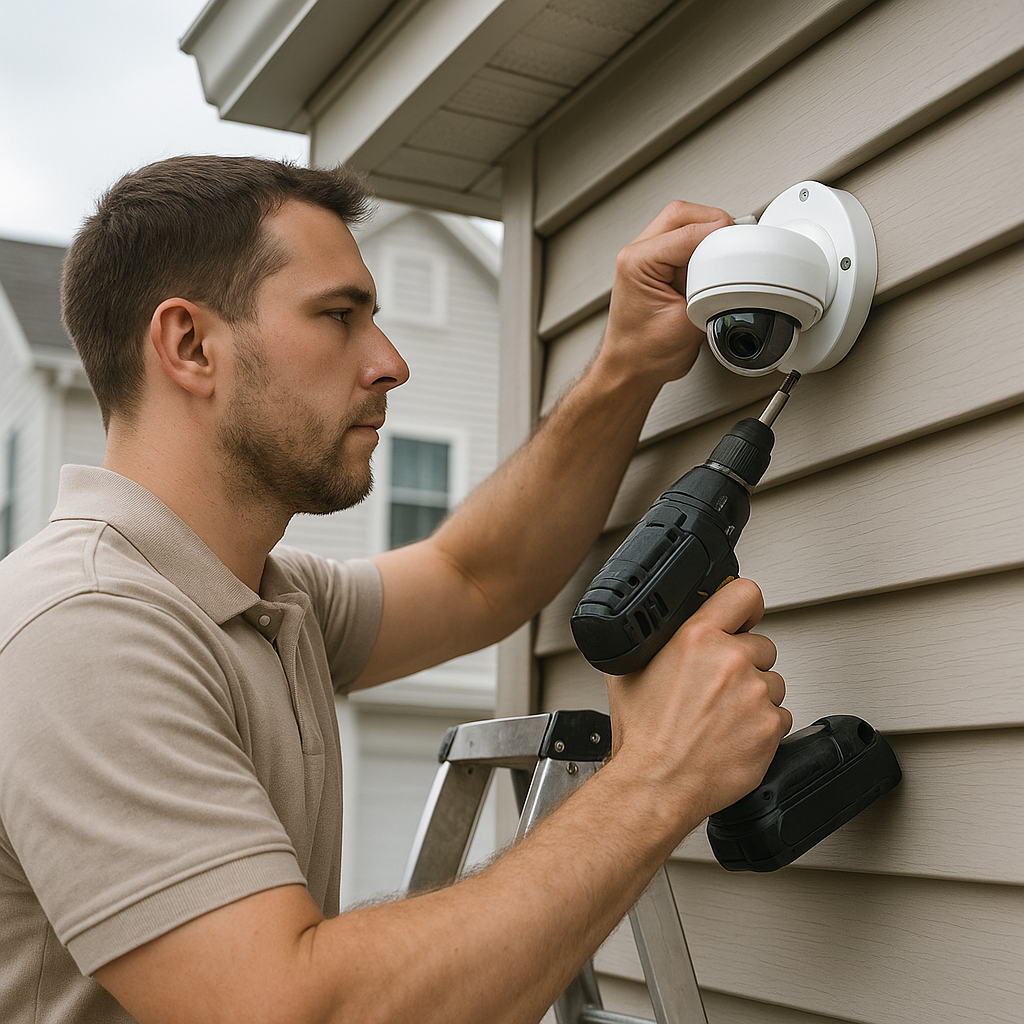
- You want wired exterior cameras or a hardwired video doorbell.
- Equipment needs to be installed high on the exterior of your home or near electrical wiring.
- Your home has weak Wi-Fi areas or a complicated layout.
- You want cameras, sensors, motion detectors, and smart locks to work together as one system.
- The project involves low-voltage wiring, electrical work, exterior lighting, or a panel upgrade.
- You want monitoring, emergency contacts, user codes, notifications, and backup features set up correctly.
- Your household includes children, older adults, tenants, caregivers, or multiple users who need simple and reliable access.
Be careful about taking on electrical work outside your comfort zone. Before attempting anything that involves wiring, circuits, or new power connections, review which electrical jobs homeowners can safely do themselves. When in doubt, call a licensed professional.
What Professional Installation Includes
When you hire a qualified installer, you get more than someone to hang cameras. You get a complete setup process that helps ensure your system works the way it should.
Assess Your Home and Priorities
A professional reviews entry points, outdoor areas, detached structures, existing devices, household routines, and your biggest security concerns.
Recommend a Right-Sized System
The goal is to avoid buying too little equipment and leaving blind spots, while also avoiding unnecessary features your household will not use.
Plan Camera and Sensor Placement
An installer chooses locations that improve coverage, image quality, and device reliability while respecting privacy.
Install and Secure the Equipment
Cameras, sensors, doorbells, control panels, and related devices are mounted properly and secured in place.
Address Wiring and Power Needs
A licensed professional can handle hardwired cameras, low-voltage connections, doorbell power, and related electrical needs where appropriate.
Set Up the App and User Access
The installer can configure alerts, user codes, emergency contacts, device names, recording preferences, and compatible smart-home features.
Test the Complete System
Before leaving, the installer tests that cameras record, sensors trigger, locks respond, alerts arrive, and all connected devices communicate correctly.
Teach the Household How to Use It
You should know how to arm and disarm the system, review recordings, update access codes, respond to alerts, and complete simple routine maintenance.
The Federal Trade Commission advises homeowners to get written estimates, verify applicable contractor licenses, and review all contract terms before agreeing to a security system. That includes installation costs, monitoring fees, contract length, warranty coverage, and cancellation terms.
Choosing the Right Home Security System
Before you spend money on equipment, take a few minutes to define what you need. Your answers can help you choose the right devices, level of service, and installation approach.
Questions to Ask Before Buying
- Do you want cameras, alarms, sensors, smart locks, or a combination of devices?
- Are you most concerned about doors, windows, packages, vehicles, detached garages, or outdoor areas?
- Do you want self-monitoring or 24/7 professional monitoring?
- Would wireless equipment, wired equipment, or a combination work best for your home?
- How much local or cloud video storage do you need?
- Does your Wi-Fi reach all of the locations where you want devices installed?
- Do you need battery or cellular backup during a power or internet outage?
- Do you want your system to work with smart lighting, thermostats, garage doors, or voice assistants?
- Are there monthly monitoring, video-storage, financing, or cancellation fees?
Price matters, but the lowest quote is not always the best value. Before choosing an installer, it can help to understand why the lowest bid can sometimes cost more on a home project, especially when installation quality, equipment reliability, warranty coverage, and future service are involved.
Work With a Licensed Installer
Ready to install a home security system? My Licensed Contractor can help you find licensed professionals in your area. Our vetting process makes it easier to connect with a qualified contractor for your project.
Submit your home security project request. It only takes a few minutes to share the details of what you need, and we can help match you with vetted contractors in your area.
Frequently Asked Questions
Do I need professional monitoring, or can I monitor my system myself?
Both options can work. Self-monitoring lets you receive and respond to alerts through your phone, which may be a good fit if you regularly check notifications. Professional monitoring adds a service that can respond when certain qualifying alarms occur, even when you cannot check your phone. Many homeowners choose monitoring for additional support while traveling or sleeping.
Will a home security system work during a power or internet outage?
It can, if the system includes the right backup options. Some systems have battery backup to keep key devices operating during a power outage. Cellular backup can help maintain communication if the internet goes down. If outages are common in your area, ask the installer about these features before choosing a system.
How many cameras do I actually need?
There is no one-size-fits-all answer. The right number depends on your home’s size, layout, entry points, and the areas you want to monitor. Many homeowners begin with coverage for the front door, back door, driveway, and other vulnerable areas, such as side gates or accessible first-floor windows. A professional can recommend a setup that covers your priorities without adding equipment you do not need.
What should I check before signing a contract?
Read the entire agreement before signing. Confirm the installation price, monitoring fees, contract length, warranty coverage, and cancellation terms in writing. Verify the installer’s license and ask whether your local area has permit or alarm-registration requirements. Getting clear answers up front can help you avoid surprises later.
Find a Licensed Contractor
Connect with pre-screened, licensed contractors in your area.
Submit Your Project
Find Local Contractors
Connect with licensed, verified contractors in your area for your next project.
Submit Your Project