
The Contractor's Guide to Finding and Managing Online Citations
Key Takeaways
- A citation is any online listing of your business name, address, and phone number (NAP).
- Search engines and AI tools compare your citations to decide whether to trust and show your business.
- Set one official version of your details, find every listing, fix the errors, then add listings on trusted sites like My Licensed Contractor.
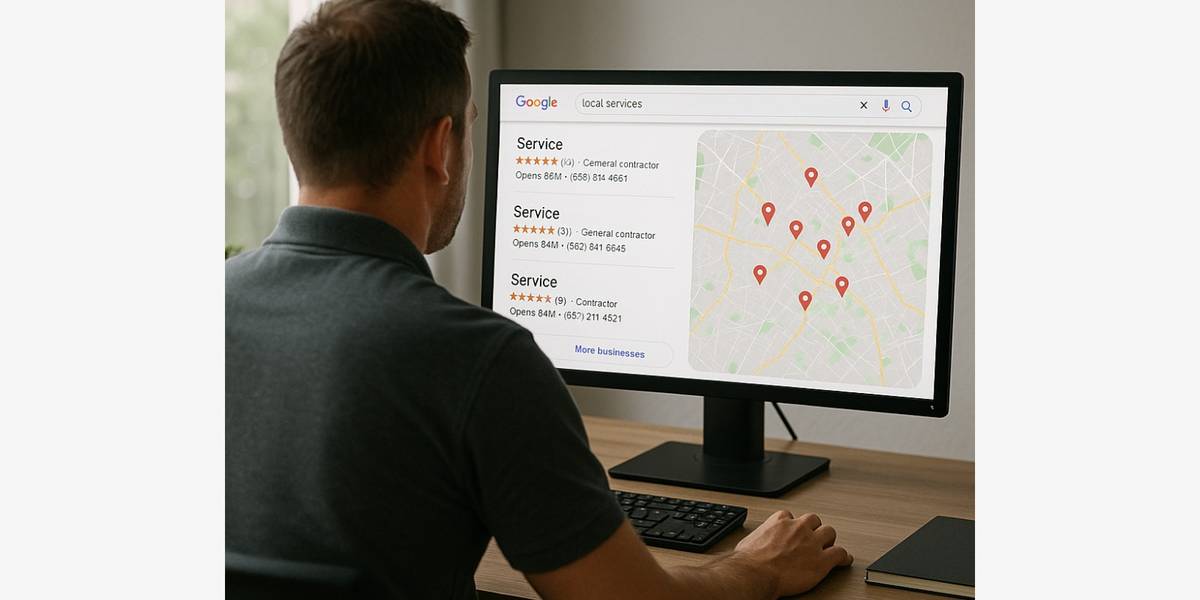
Most contractors know they need a website and a few reviews. Fewer think about citations. Yet these scattered listings around the web shape how often your business shows up in local search, in map results, and in answers from AI assistants.
This guide explains what citations are, how to find every listing your business already has, how to clean them up, and how to keep them accurate as your business grows.
What an Online Citation Is
A citation is any place online that lists your business name, address, and phone number. Marketers call this set of details your NAP. A full citation often includes more information too:
- Website URL
- Business hours
- Service area
- Trade category, like electrician or roofer
- License number
- Photos and reviews
Citations come in two main forms. A structured citation sits on a directory or platform with set fields for each detail, like a business listing on a map app or a contractor directory. An unstructured citation is a mention in regular text, like a local news story about your company or a supplier's page that names you as a partner.
Why Citations Matter for Contractors
When a homeowner searches for "electrician near me" or "roof repair in Grand Rapids," search engines need to decide which businesses to show. They look at many signals. Citations are one of them.
Search engines compare your details across many sources. If your name, address, and phone number match on dozens of trusted sites, the search engine has more confidence that your business is real and serves that area. If one site lists an old address and another lists a different phone number, that confidence drops.
Citations also do work on their own:
- Customers find you directly. Many homeowners search inside directories and contractor platforms instead of a general search engine.
- Listings add credibility. A homeowner who sees your business on several trusted sites feels more comfortable calling.
- AI tools read them. AI assistants pull information from across the web. Consistent citations on trusted sites make it easier for these tools to describe your business correctly.
Wrong citations work against you. A homeowner who calls a disconnected number from an old listing will call the next contractor on the list.
Step 1: Set Your Official Business Details
Before you touch a single listing, write down the exact version of your business details that you want everywhere. Keep it in a shared document that anyone on your team can copy from.
Your master record should include:
- Legal or trade name: Use the name that appears on your signage and license. Do not add keywords like "Best Plumber Denver" to the name. Many platforms ban this practice.
- Address: Pick one format and use it every time. Decide on "Suite 4" or "#4" and stick with it.
- Phone number: Use one main local number. Avoid call-tracking numbers as your primary number on citations.
- Website URL: Use the same version every time, with or without "www."
- Hours: List regular hours and note emergency availability separately.
- Service area: List the cities or counties you serve.
- Categories: Choose a main trade category and a few secondary ones.
- License number: Include your state license number where the platform allows it.
- Business descriptions: Write a short and a long version once so every listing tells the same story.
If you work from home and do not want your address public, many platforms let you hide the street address and show only a service area. Use that option instead of a fake or virtual address.
Step 2: Find Your Existing Citations
Your business probably already appears in more places than you think. Data providers copy listings from one another, and some sites create pages for your business automatically from public records.
Use these methods to build a full list.
Search Your Business Name
Search your exact business name in quotes. Then search your name plus your city. Go through several pages of results and note every directory, review site, and mention.
Search Your Phone Number
Search your main phone number in quotes, in a few different formats, like (555) 123-4567 and 555-123-4567. This search often turns up listings with a misspelled business name.
Search Old Details
If you moved, changed phone numbers, or rebranded, search the old address, old number, and old name too. Outdated listings cause the most confusion.
Check the Major Platforms by Hand
Visit the big map apps, review sites, and social networks directly and search for your business. Note whether you have claimed each listing and whether the details match your master record.
Check Trade and Local Sources
Look at trade associations, manufacturer dealer locators, supply house referral lists, your chamber of commerce, and your state contractor license lookup. Many of these sites list your business and count as citations.
Use a Citation Audit Tool If You Have Many Locations
Paid listing management tools scan hundreds of directories at once. They save time for contractors with several offices or a long history of moves. A single-location business can often do the audit by hand in an afternoon.
Step 3: Track Everything in One Spreadsheet
Create a simple spreadsheet with one row per listing. Add columns for:
- Site name and listing URL
- Claimed or unclaimed
- Login email and who on your team owns the account
- Name, address, and phone as listed
- Status: correct, needs fix, duplicate, or closed
- Date of last review
This spreadsheet becomes your citation map. It also saves you when an employee who set up an account leaves the company.
Step 4: Claim and Fix Your Listings
Work through the spreadsheet one row at a time. Start with the sites that matter most: the major map apps, the biggest review sites, and the directories that rank high when someone searches your trade and city.
For each listing:
- Claim it. Most platforms verify ownership with a phone call, a text, a postcard, or an email to an address on your domain.
- Correct the details. Copy each field from your master record. Do not retype from memory.
- Fill in every field you can. Add hours, categories, photos, service area, and your description.
- Merge or remove duplicates. Many platforms let you report a duplicate listing. If you cannot merge it, mark it as closed or ask support to remove it.
- Mark old locations as moved or closed. Do not leave old addresses active.
Some fixes take weeks to show up, because other sites pull data on their own schedule. Note the date of each change and check again a month later.
Step 5: Build New Citations on Trusted Sites
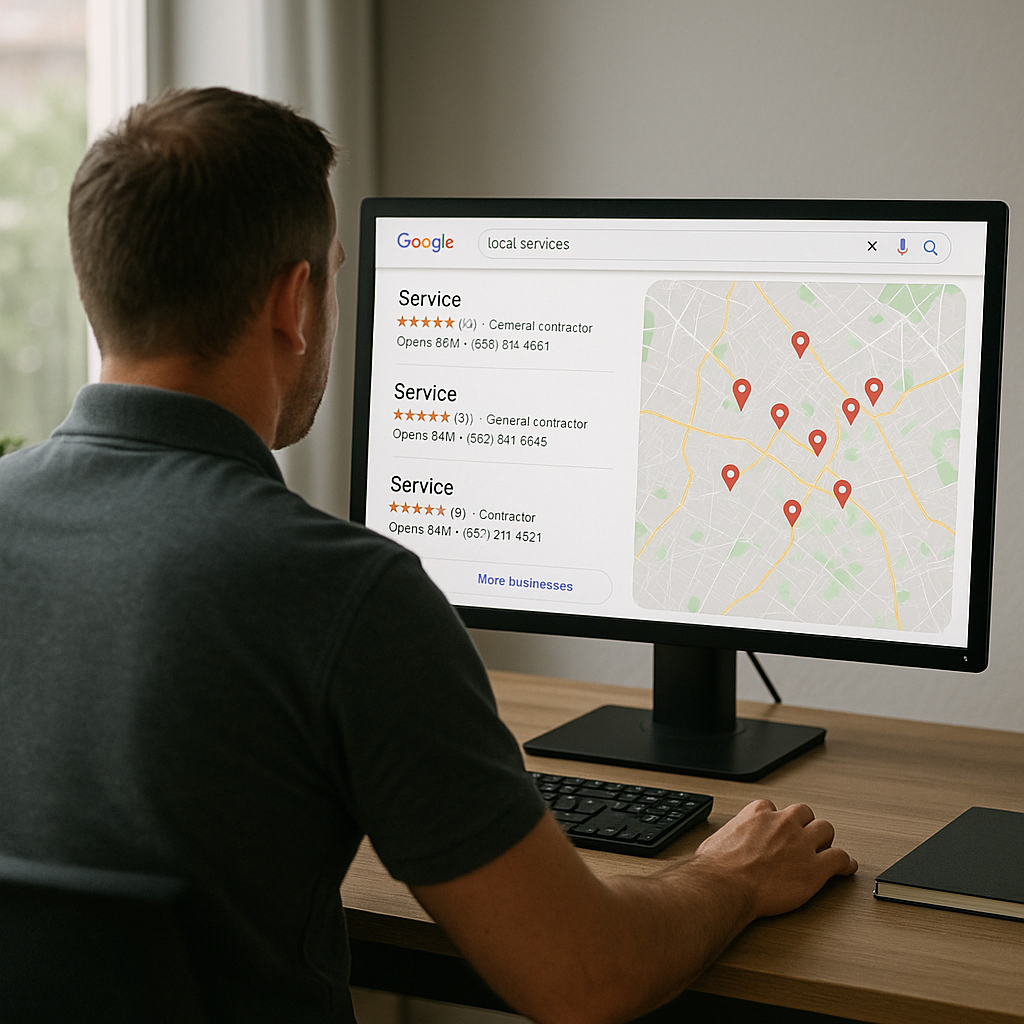
Once your existing listings are clean, add new ones. Focus on quality and relevance. A listing on a respected contractor platform does more for you than dozens of listings on low-quality directories that no homeowner visits.
Good places to build citations as a contractor:
- Contractor platforms that vet their members: These sites carry more weight with homeowners and search engines because they check licenses and insurance. My Licensed Contractor offers a free profile that works as a citation.
- Trade associations: Many national and state trade groups list members in a public directory.
- Manufacturer and supplier directories: If you hold a certification from a manufacturer, ask to appear in its contractor locator.
- Local organizations: Chambers of commerce, local business associations, and community sponsorship pages all count.
- General directories: The large general directories still matter for consistency.
Avoid sites that promise hundreds of citations for a low price. Many of those listings sit on spam directories that no one reads, and some of them never go live at all.
Step 6: Manage Reviews on Your Citations
Many citation sites also host reviews. A listing with recent, detailed reviews converts better than an empty one. Ask happy customers to leave a review on the platforms where you most want visibility. Our guide on how to get more reviews for your home service business lays out simple ways to ask.
Follow the rules on reviews. The Federal Trade Commission's rule on consumer reviews and testimonials bans fake reviews, paying for positive reviews, and posting reviews from employees or relatives without disclosure. It also bans review suppression. Ask every customer, not only the happy ones.
Reply to reviews on your listings, both positive and negative. A calm, helpful reply to a complaint shows future customers how you handle problems.
Step 7: Keep Citations Accurate Over Time
Citations drift. Platforms update their data from outside sources, users suggest edits, and your own business changes. Build a simple routine:
- Every quarter: Review your top 10 to 15 listings. Check the name, address, phone, hours, and photos.
- Every year: Run a full search of your name and phone number again and add any new listings to the spreadsheet.
- After any change: When you move, add a phone line, change hours, or rebrand, update the master record first. Then update every listing on the spreadsheet in one sitting.
Also watch for suggested edits on the major map apps. Anyone can propose a change to your listing, and some platforms apply those changes automatically. Turn on email alerts so you know when someone edits your profile.
Common Citation Mistakes Contractors Make
Using different phone numbers on different sites. Some contractors use a tracking number for each ad channel and let those numbers spread to directories. Keep your main number as the primary phone on citations.
Leaving an old address active after a move. Search engines may still connect your business to the old location and show it to homeowners in the wrong area.
Letting a former employee own the accounts. If one person set up every listing with a personal email, you can lose access overnight. Use a company email for all accounts.
Ignoring the website. Your website should list the same NAP as your citations, ideally in the footer of every page. Our contractor website audit checklist covers this and other quick fixes.
Keyword stuffing the business name. Adding service and city keywords to your name can get a listing suspended on major platforms.
How Long Citation Work Takes to Pay Off
Cleanup work often shows results within one to three months, once platforms and data providers refresh their records. New citations on trusted sites start helping as soon as they go live, especially on platforms that send homeowners directly to your profile. Citations alone will not put you at the top of every search, but they give the rest of your marketing a solid base.
Claim Your Free My Licensed Contractor Profile
A profile on My Licensed Contractor does two jobs at once. First, it acts as a citation on a platform that vets contractors, which adds a trusted listing to your citation map. Second, it puts you in front of homeowners who submit project requests in your area. That makes it a new source of jobs.
The profile is free, and contractors can get jobs with a free profile. Setup takes a few minutes. Use the same details from your master record so your new listing matches everywhere else.
Claim your free contractor profile on My Licensed Contractor
Online Citations FAQ
What Is NAP Consistency?
NAP consistency means your business name, address, and phone number appear in exactly the same format on every listing. Consistent details help search engines and AI tools trust and identify your business.
How Many Citations Does a Contractor Need?
There is no magic number. Focus on accuracy on the major platforms first, then add listings on trusted contractor platforms, trade associations, and local organizations that matter in your market.
Do Citations Still Help With Local SEO?
Yes. Citations are one signal among many, alongside your website, reviews, and map listing. Consistent citations on trusted sites support all of those other efforts.
Should I Pay for a Citation Building Service?
It depends on your size. A single-location contractor can manage citations by hand. Multi-location businesses often save time with a listing management tool. Avoid cheap bulk packages that use spam directories.
What Should I Do About a Duplicate Listing?
Claim both listings if you can, then use the platform's merge or remove option. If that fails, contact the platform's support team and explain which listing is correct.
Can I List My Business Without a Public Address?
Yes. Many platforms let service-area businesses hide the street address and show a service area instead. Use this option if you work from home.
Find a Licensed Contractor
Connect with pre-screened, licensed contractors in your area.
Submit Your Project
Find Local Contractors
Connect with licensed, verified contractors in your area for your next project.
Submit Your Project