The Contractor's Website Audit Checklist: 11 Things to Fix Before You Lose Another Lead
Key Takeaways
- You have marketing programs in place to bring homeowners to your contractor website, but is everything in place to optimize conversions?
- Something as simple as a slow website or a phone number that's hard to find could be hurting your marketing performance.
- Use this checklist to audit your contractor website and find what you need to fix to optimize conversions and get more calls.
You spend money to get people to your website. You run ads, post photos of your work, and ask happy customers to tell their friends. But what happens when someone finally lands on your site and then leaves without calling? That is a job walking straight over to your competitor. Every slow page, hidden phone number, and confusing form costs you real work. The good news is that most of these problems are easy to spot and fix once you know where to look.
This post walks you through a simple audit of your contractor website. You can get started with a phone, a few free tools, and a little time. Grab a cup of coffee and run through these 11 checkpoints today.
Quick Website Audit Checklist
- Test page speed on mobile and desktop.
- Compress large images and remove unused plugins.
- Add a click-to-call phone number to the header, footer, and homepage hero.
- Open your site on a real phone and test buttons, text, and forms.
- Complete and update your Google Business Profile.
- Make sure your name, address, and phone number match across listings.
- Create dedicated pages for each core service and service area.
- Add a clear call to action to every important page.
- Keep quote forms short and test every submission.
- Display reviews, licenses, insurance, certifications, and project photos.
- Fix broken links and set up redirects for removed pages.
- Create a helpful 404 page with links to your homepage and contact page.
- Use clear headings, alt text, labeled forms, and strong color contrast.
- Confirm your site uses HTTPS and keep software updated.
- Set up analytics, call tracking, and form tracking.
- Review your top lead-driving pages and improve the weaker ones.
Want a fast starting point? Claim your free contractor profile to run a quick website and web presence audit.
1. Check Your Load Speed Before Visitors Bounce
Speed is the first thing people notice, even if they do not realize it. When a page takes more than three seconds to load, many mobile visitors give up and hit the back button. They want help fast, especially when they have a leaking pipe or a broken furnace.
You can test your speed for free with Google PageSpeed Insights. Enter your web address, run the test, and review the report. The tool measures performance on mobile and desktop and provides suggestions for improving speed, accessibility, best practices, and SEO.
A few common problems show up again and again on a contractor website:
- Giant image files that take forever to load
- Too many plugins running in the background
- Cheap hosting that cannot handle traffic
- Heavy scripts, pop-ups, or embedded videos that delay the page
Some fixes are easy to do yourself. Resize and compress your photos before you upload them. Remove plugins you no longer use. If your site still crawls, ask your host about a faster plan. Aim for a load time under three seconds on mobile. Under two seconds is even better.
2. Make Sure Your Phone Number Is Everywhere
Think about how people find contractors. They search on their phone, see your name, and want to call you fast. If they have to hunt for your number, they may call the next company instead.
Put a click-to-call phone number at the top of every page. On a phone, tapping the number should start the call right away. Place it in the header so it stays visible, add it to the footer, and feature it in the hero section at the top of your homepage.
Here is a smart extra step. Use tracking numbers so you can see which pages drive the most calls. That data tells you where your leads really come from. Keep your contact information visible on every page rather than limiting it to a single contact page.
3. Audit Your Mobile Experience
Most people who ask how to get more home service calls overlook one simple truth. The answer often starts with the phone in your customer's hand. More home service searches happen on phones than on computers, so your site needs to work well on a small screen.
Pick up your own phone and open your site. Tap your buttons. Fill out your form. Check whether the buttons are easy to hit or whether people keep missing them. Tap targets that sit too close together frustrate people fast.
Read your text without pinching or zooming. If you have to squint, so does your customer. Check how your site looks on different screen sizes too. A responsive design shifts and resizes so everything fits, whether someone uses a small phone or a large tablet. When your mobile experience feels smooth, more visitors stick around and reach out.
4. Review Your Local SEO Signals
Customers want a contractor who works in their area. Local SEO signals help you show up when people nearby search for your services. Start with your Google Business Profile. Fill out every field, add real photos, list your hours, and keep your service areas current.
Next, check your NAP, which stands for Name, Address, and Phone. Your NAP needs to match exactly across every listing online. If one site shows an old phone number or a different address, search engines get confused and trust you less. Fix those mismatches wherever you find them.
Create pages for the cities and neighborhoods you serve. A plumber in an area with older homes, for example, might build a page about repiping work for houses built decades ago, since those older homes often have worn-out pipes. That kind of page speaks directly to local needs. Climate matters too. If your area sees harsh winters or heavy storms, a page about emergency repairs and weather-related damage connects with what your neighbors actually deal with.
Reviews also feed your local rankings. A steady stream of recent reviews tells search engines and customers that you stay busy and do good work. Use your city name in your page titles and headers so the right people find you. If you need help getting more feedback from happy customers, read How to Get More Reviews for Your Home Service Business.
5. Evaluate Your Calls to Action
A call to action, or CTA, tells visitors what to do next. Every page on your site needs one. With a clear next step, people call, book, or request a quote.
Use plain, direct language. Phrases like "Get a Free Quote" or "Call Now" leave no doubt about what happens when someone clicks. Make your buttons easy to see. Use a color that stands out from the rest of the page so the button almost grabs the eye.
If you use a quote form, keep it short. Every extra field you add scares off a few more people. Ask for the basics, like name, phone, and a quick note about the job. You can gather the rest once you are on the phone. Fewer fields mean more leads, plain and simple.
6. Inspect Your Service Pages for Clarity
When someone needs a specific service, they want a page about that exact service. Build a dedicated page for each core service you offer, like water heater repair or roof replacement.
Each page should answer a few key questions. What is the service? Where do you offer it? Roughly how much does it cost, or at least how do you price it? And why should they pick you over the other guy? Answer those plainly and you build confidence.
Photos help a lot here. Show real pictures of your own work, not stock images. People trust what they can see. Link related pages together too. A roofing contractor, for example, can connect a roof repair page to 5 Signs You Need a New Roof: A Homeowner's Guide. An HVAC contractor can link a heating page to Why You Should Schedule a Heating Tune-Up Before Winter.
7. Build Trust With Social Proof
Hiring a contractor feels risky to a lot of homeowners. They worry about getting ripped off or stuck with sloppy work. Social proof calms those fears. Display your reviews, star ratings, and testimonials where people can see them without scrolling forever.
Show that you are legit. List your license number, your insurance, and any certifications you hold. These details tell customers you follow the rules and stand behind your work. Before-and-after galleries work well too. A photo of a tired old bathroom next to a fresh new one speaks louder than any sales pitch.
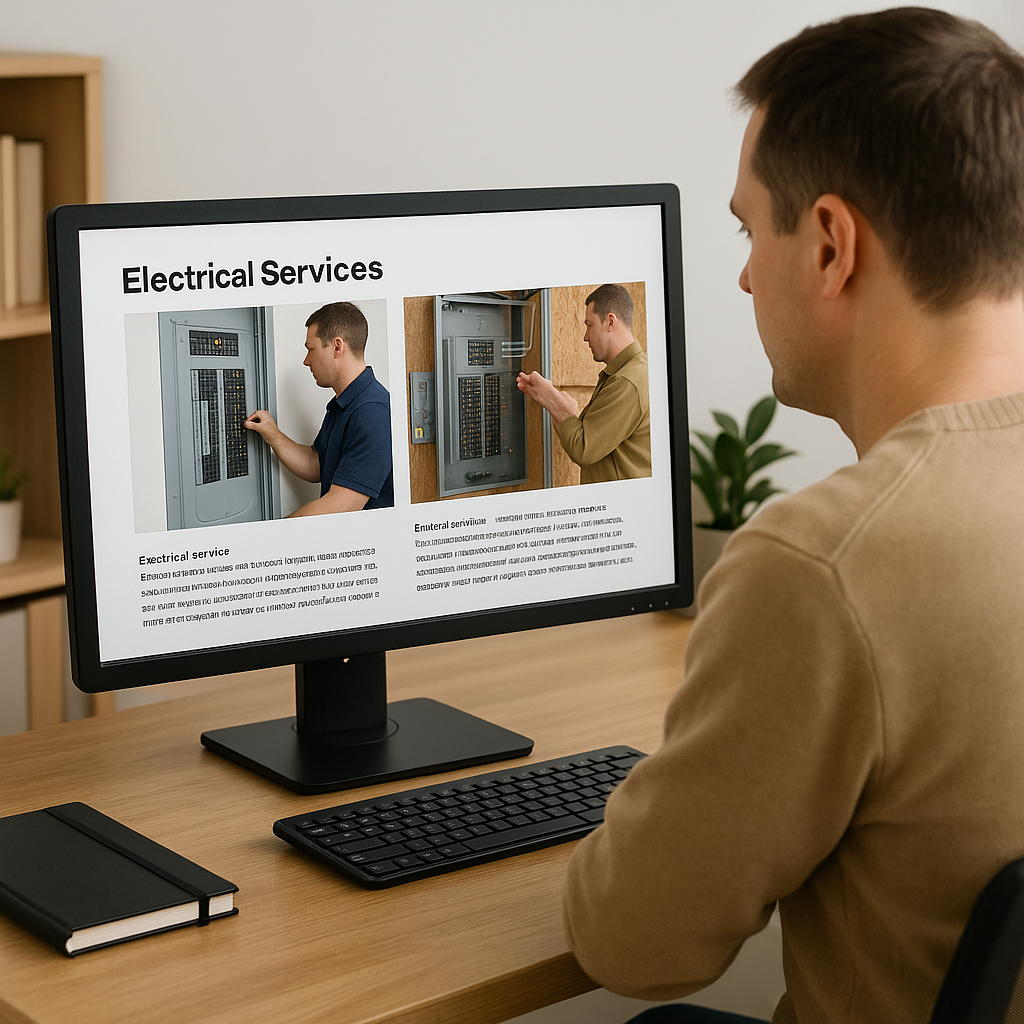
Trust badges and guarantees add one more layer. A satisfaction guarantee or a warranty on your work removes a reason to hesitate. The more proof you show, the easier the decision becomes for the person on the other side of the screen.
8. Fix Broken Links and Error Pages
Broken links hurt you in two ways. They frustrate visitors who click and hit a dead end, and they chip away at your search rankings. Search engines read broken links as a sign that your site is poorly kept.
You can scan for them with free crawler tools that check every link on your site and flag the dead ones. Run a scan, then fix or remove whatever shows up broken. Set up a helpful 404 page for the links you cannot save. Instead of a cold error message, add a short note and a link back to your homepage or your contact page so people stay on your site.
If you deleted or renamed pages, set up redirects. A redirect sends anyone who clicks the old link straight to the right new page. This keeps both visitors and search engines happy.
9. Confirm Your Forms Actually Work
Here is a scary thought. Your contact form might be broken right now, and you would never know. You would just wonder why the calls dried up. Test every form on your site from start to finish. Fill one out and submit it like a real customer would.
Then check that the lead actually reaches you. Does the message land in your inbox? Does it flow into your CRM if you use one? Watch your spam folder too, because lead notifications sometimes get caught there, and a missed lead is a missed job.
Add an instant confirmation message so customers know their request went through. A simple "Thanks, we got your message and will call you back soon" reassures people. Without it, they wonder if the form worked and may call a competitor just to be safe.
10. Make Your Website Accessible and Easy To Use
An accessible website helps every visitor, including people with disabilities. It also makes your site easier to use for homeowners who are stressed, distracted, or browsing on a small screen. Accessible websites support effective communication for people with disabilities.
Start with the basics:
- Use clear headings so visitors can scan and navigate the page.
- Add descriptive alt text to important images.
- Make sure text has enough contrast against its background.
- Label every form field clearly.
- Make sure people can navigate your site with a keyboard.
- Allow text to zoom without breaking the layout.
- Add captions to videos.
The ADA's web accessibility guidance highlights practical improvements such as color contrast, text alternatives for images, accessible forms, keyboard navigation, and zoomable text. These changes help more homeowners request a quote, call your office, or find the service they need.
11. Track What's Working With Analytics
You cannot improve what you do not measure. Install Google Analytics and Google Search Console on your site. Both are free, and both show you how people find and use your site.
Set up conversion tracking and call tracking so you can see which pages turn visitors into leads. Maybe your emergency repair page brings in half your calls, while another page gets ignored. That information tells you where to focus.
Find your top lead-driving pages and learn from them. What makes those pages work? Then use what you learn to fix the weaker pages. When you let the data guide your choices, you stop guessing and start making smart moves that bring in more work.
Start With Speed, Phone Visibility, and a Website Audit
Run these 11 checks and you stop handing leads to an underperforming site. Start with the two biggest lead killers today. Speed up your pages and make your phone number easy to find and easy to tap. Then work down the rest of the list over the next week.
My Licensed Contractor offers a quick website and web presence audit tool for contractors. Claim your free contractor profile to access the tool, receive a score, and get practical recommendations for what to fix on your website. It is a fast way to identify your biggest opportunities and start improving the pages that bring in leads.
At My Licensed Contractor, we help contractors like you turn a quiet website into a steady source of calls. If you went through this checklist and feel stuck, or you just want a second set of eyes on your site, we would love to help. Claim your free profile, run the audit, and get started on the fixes that matter most for your business.
FAQ
Here are answers to a few common questions about auditing your website.
How often should I audit my contractor website?
Run a full audit every quarter. On top of that, check your site after any major change, like a redesign or a new service page, and before busy seasons when more customers search for help. A quick review keeps small problems from costing you leads.
Can I do this audit myself?
Yes, you can handle most of it on your own. The checks in this post use free tools, and many fixes take just a few minutes. For deeper technical work, like fixing site speed at the code level or setting up advanced tracking, you may want to hire a pro. Everything else you can do yourself.
What is the single biggest lead killer?
Slow load times and a hard-to-find phone number on mobile cost you the most leads. People search on their phones, and they want fast answers. If your page drags or they cannot spot your number, they move on to the next contractor. Fix those two things first and you will likely see more calls right away.
How can I tell if my website is too slow?
Run your homepage and top service pages through PageSpeed Insights. The tool shows how your pages perform on mobile and desktop and identifies issues such as oversized images, render-blocking files, and slow server response times. Start with the pages that receive the most traffic or generate the most leads.
What should a contractor's homepage include?
Your homepage should clearly state what you do, where you work, and how homeowners can contact you. Include a click-to-call phone number, a short list of core services, proof of licensing and insurance, recent reviews, service areas, and a clear button to request a quote. Keep the message simple so visitors understand your offer within seconds.
How many service pages should my website have?
Create one page for each core service you want to rank for and book. A plumber might have separate pages for drain cleaning, water heater repair, repiping, and emergency plumbing. Each page should focus on one service, explain the process, show relevant photos, and include a clear call to action.
Why does website accessibility matter for contractors?
Accessibility helps homeowners with visual, hearing, motor, or cognitive disabilities use your site and contact your business. It also improves usability for everyone. The ADA guidance points to practical steps such as strong color contrast, image alt text, labeled forms, keyboard navigation, and zoomable text.
What is the best way to find technical website problems?
Start with PageSpeed Insights for speed, accessibility, and best-practice issues. Then use Google Search Console to look for indexing problems, mobile usability issues, and pages that receive impressions but few clicks. Fix the issues that affect your most important service pages first.
Should I add customer reviews to every page?
Add reviews to your homepage, service pages, and location pages where they support the visitor's decision. A roofing page can show reviews from roofing customers, while a plumbing page can show plumbing-specific feedback. Relevant reviews feel more convincing than a generic testimonial placed on every page.
How do I know which pages bring in leads?
Use Google Analytics, call tracking, and form tracking to connect website activity with real leads. Look at which pages receive traffic, which pages produce calls or form submissions, and which keywords bring visitors to those pages. Then improve the pages with strong traffic but weak conversion rates.
What should I do after I finish the audit?
Prioritize the fixes that affect leads most directly: speed, mobile usability, phone visibility, forms, calls to action, and trust signals. Claim your free My Licensed Contractor profile to run the website and web presence audit, review your score, and use the recommendations as your action plan.
Find a Licensed Contractor
Connect with pre-screened, licensed contractors in your area.
Submit Your Project
Find Local Contractors
Connect with licensed, verified contractors in your area for your next project.
Submit Your Project